
Find your next favorite.
Browse live TV, movies and series. Search your channels, switch between list and grid views, and keep favorites within reach.
LIVE TV · MOVIES · SERIES
SageIPTV · Your IPTV player
SageIPTV is an M3U editor and IPTV player for your own playlists and Xtream Codes portals. Organize channels, then watch live TV, movies and series and listen to radio on iPhone and iPad.
For iPhone, iPad and Apple TV. Use your own M3U playlists or Xtream Codes portal.
Fits right into your setup
Made for everyday watching
From your first playlist to your next favorite show, keep the experience simple.
Browse live TV, movies and series. Search your channels, switch between list and grid views, and keep favorites within reach.
LIVE TV · MOVIES · SERIES
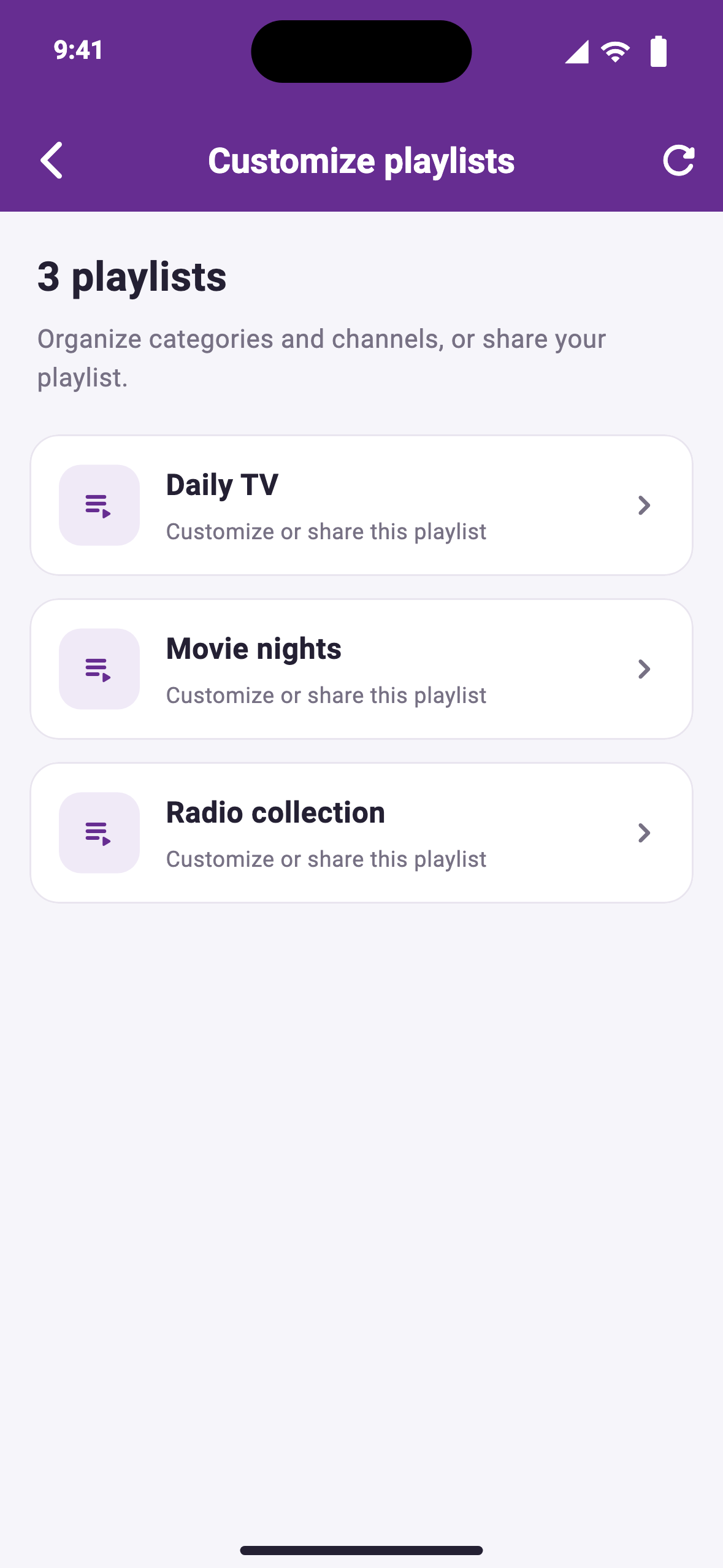
Reorder categories and channels, show what you use, and hide what you don’t. Export and share your customized M3U playlist.
ORGANIZE · CUSTOMIZE · SHARE
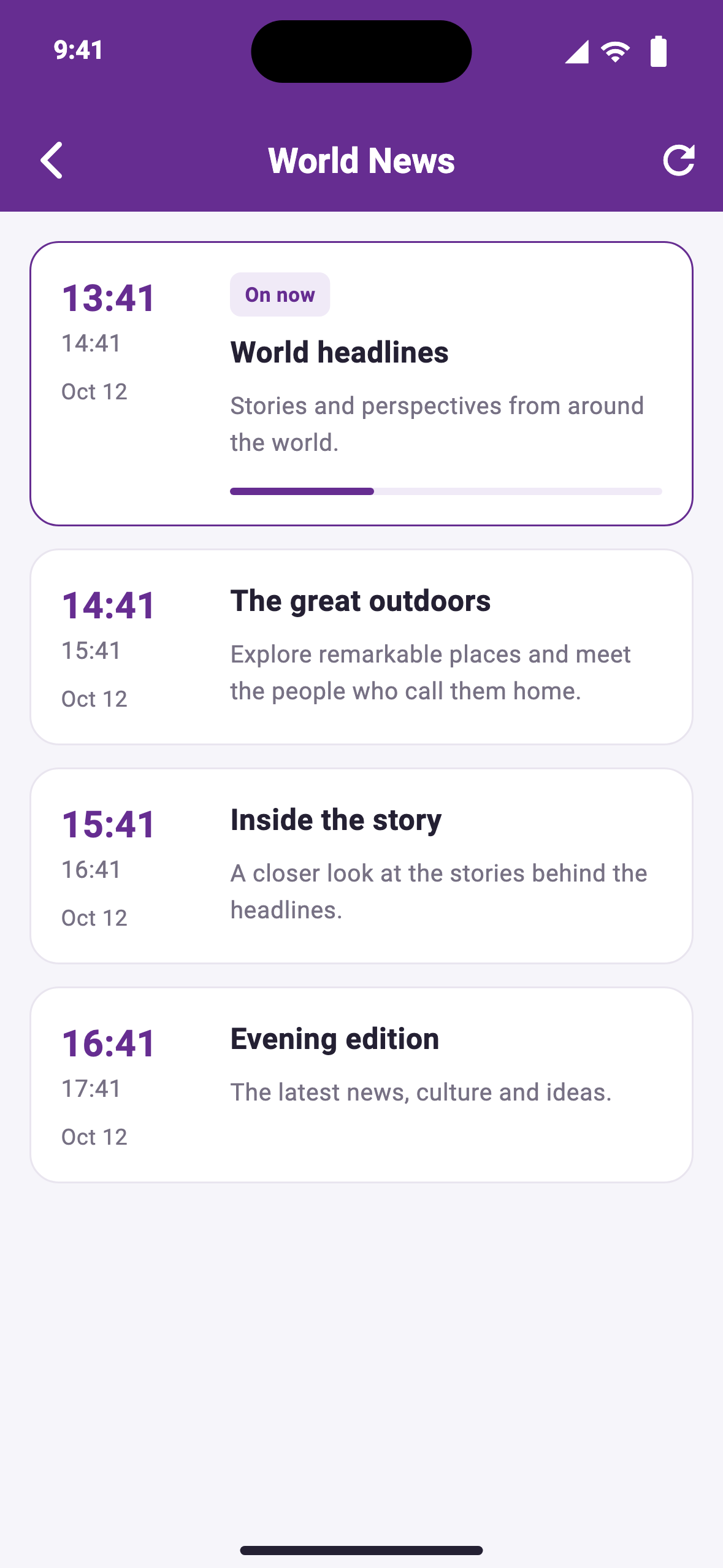
Explore the electronic program guide for current and upcoming shows. Spend less time searching and more time enjoying your channels.
CURRENT SHOWS · UPCOMING PROGRAMS
More than something to watch
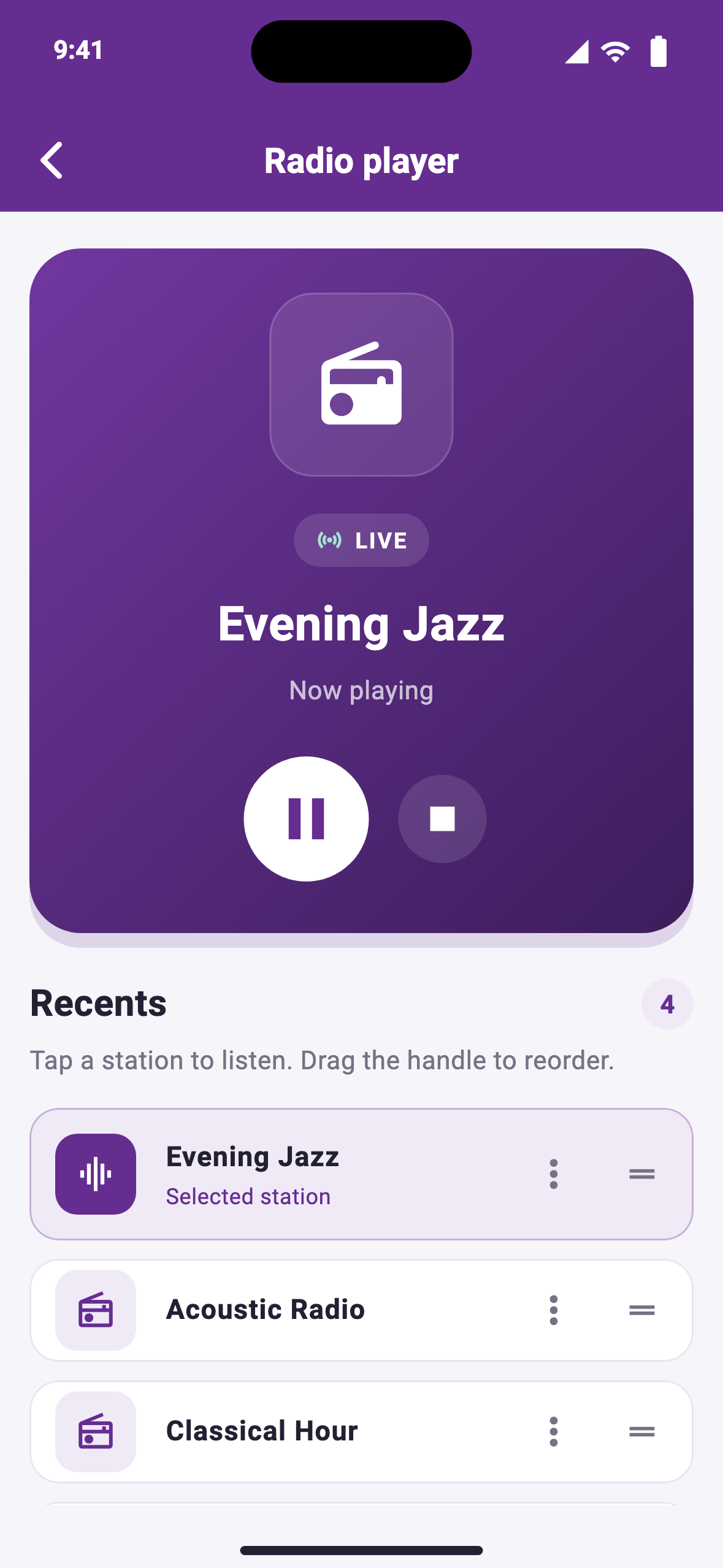
Make room for music, news and the voices you come back to. The iOS radio player keeps your recently played stations together.
Meet SageIPTV for Apple TV
Your live TV, movies and series, with room to enjoy them. Browse your playlists from the sofa with an interface made for the Apple TV remote.
Discover the Apple TV app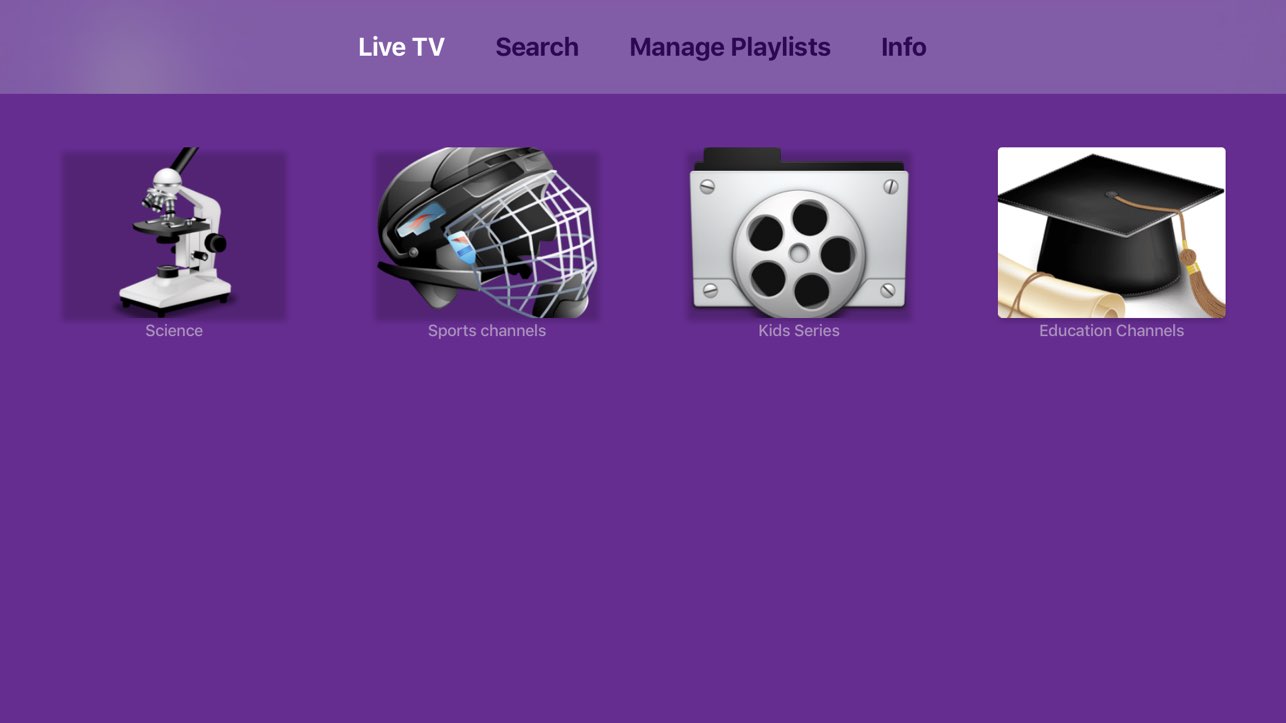
Make yourself at home
Two apps. One idea: a better way to enjoy your own playlists.
iPhone & iPad
Watch, listen and organize on the go. Formerly listed as Playlist editor & IPTV Player.
Download for iOSRequires iOS 15 or iPadOS 15 or later.
Apple TV
Bring your playlists to the living room. Enjoy live TV, movies and series with remote-friendly browsing.
Download for Apple TVRequires tvOS 17 or later.
Get comfortable with your setup
Import a playlist, connect a portal, or get your guide and playback working.
Import an M3U playlist link or local file in SageIPTV for iOS, then troubleshoot empty playlists and common import errors.
Set up an Xtream Codes portal in SageIPTV for iOS with your server address, port, username and password.
Learn how EPG information works in SageIPTV, add a guide source for M3U playlists, and troubleshoot missing program listings.
A few things to know
SageIPTV is a media player. It does not supply TV channels, movies or other content. Add your own M3U playlist or Xtream Codes portal credentials to get started.
You can add M3U playlist links and connect an Xtream Codes portal. Guide information depends on the EPG provided by your source.
Choose SageIPTV: M3U Editor & Player for iPhone and iPad, or SageIPTV for tvOS for your Apple TV. Use the download buttons above to open the correct App Store listing.
Contact support@sageiptv.com and let us know which device and app you’re using.